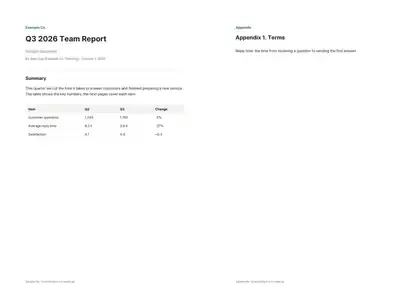
01 / Image to PDF
Several photos. One PDF.
Put your photos in order, with one photo on each page.
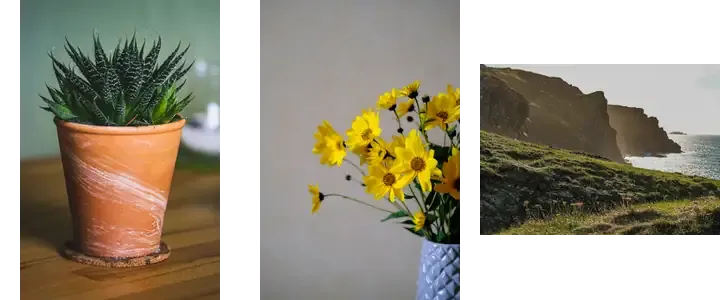
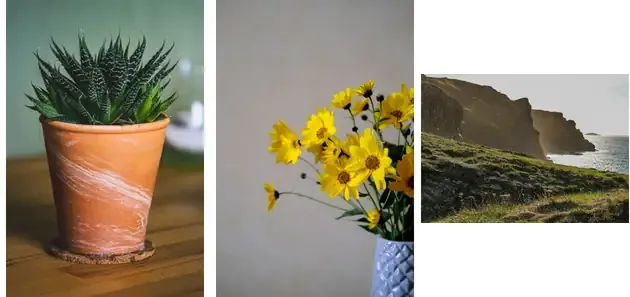
- Choose photos
- Set the order
- Save as PDF
Showing the result with reduced motion.Image to PDF
Merge PDFs, shrink photos, and turn videos into GIFs.
42 free tools · No app to install · No sign-up
Everything from choosing a file to saving the result happens on your device.
We never send your file contents or names to a server.
The work area opens before you choose a file.
The browser keeps the work area separate, so ads and analytics can’t read file names or contents.
A playback preview of the GIF made from a sample video.
A look at how the main tools work.
01 / Image to PDF
Put your photos in order, with one photo on each page.
02 / Remove Image Background
Choose what to keep and save it as a transparent PNG.
03 / Merge PDF
Put the appendix after the report and keep them together.
04 / Redact PDF
Covered information is permanently removed from the resulting PDF.
These scenes illustrate the steps using sample files. Result images were made with the actual tools. Personal details in the documents are fictional.
Photo credits: Patrick PahlkeErik EslyYana Hurska / Unsplash
Fix garbled CSV text or extract audio from a video. Browse the tools below and choose what you need.
Add page numbers to every page
Stamp text like "COPY" on every page
Add titles, page numbers and dates to edges
Place a logo, stamp or photo on a page
Draw or upload a signature and place it
Add text, cover with white and highlight
Type into form fields and tick boxes
A file that will not shrink? Unsure which format to choose? Our guides walk you through real examples.
 PNG